How it works
- Drop a PNG, JPG or WebP image.
- Pick a preset and adjust colors and detail.
- Preview the vector and download the SVG.
Why use it
- Color and black and white tracing.
- Adjustable detail.
- Transparent background option.
- Runs locally.
Questions and answers
Why does my traced logo look rough?
JPG noise around edges creates tiny shapes. Lower the detail or the number of colors.
Will photos convert well?
They become a posterized, artistic version rather than an exact copy.
Related guides
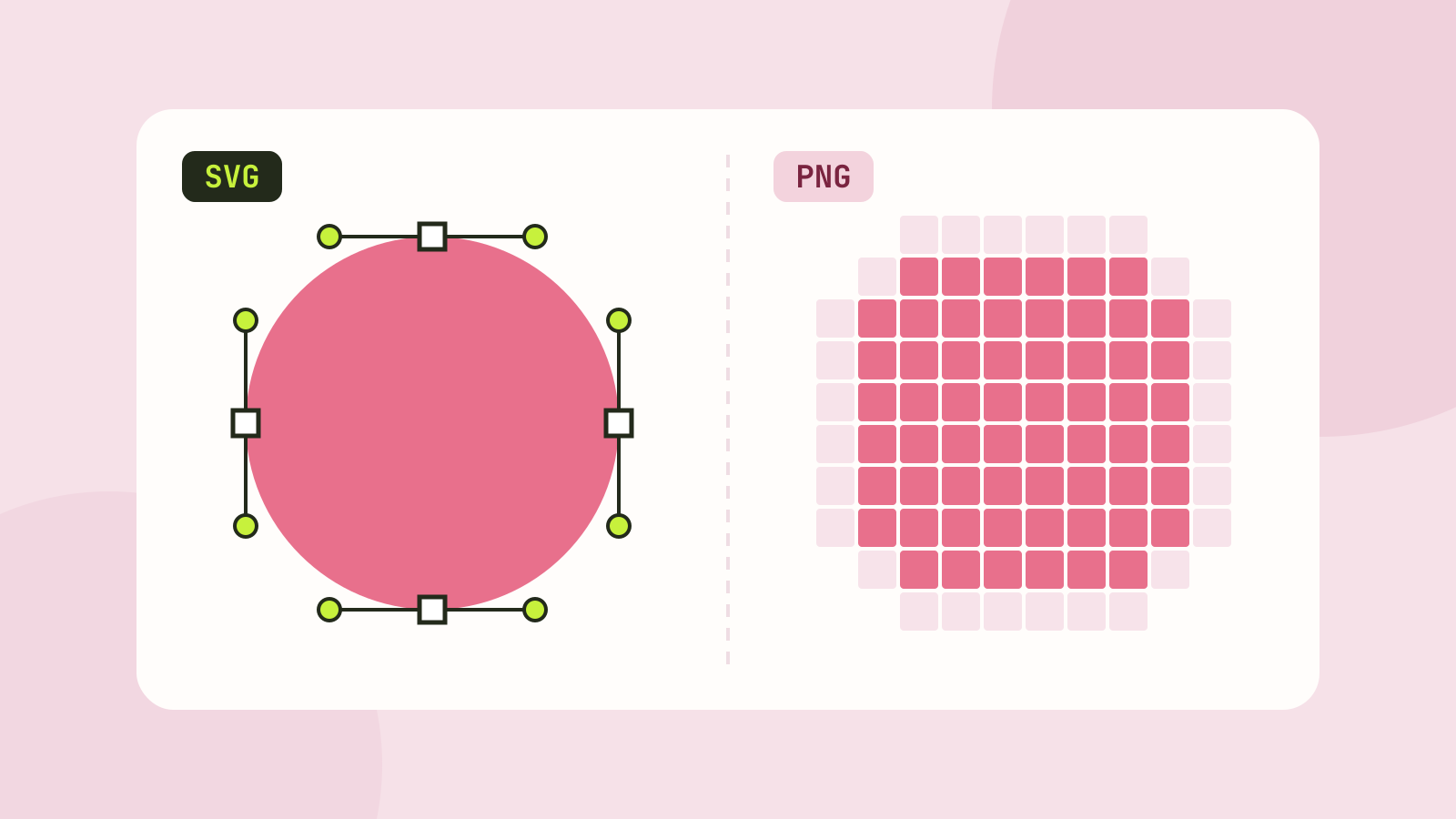
SVG vs PNG: which to use for logos, icons and illustrations
SVG stores shapes and PNG stores pixels, and that decides which one fits a job. We measured five SVGs of very different complexity against PNG copies at four sizes, and traced a logo, a seal and a photo back to SVG.